 Next Star AI
A document engine for cross-border trade.
TradeDoc is a trade-document standardization platform for import/export and sourcing teams. It takes the messy paperwork suppliers actually send — Proforma Invoices, Purchase Orders, Commercial Invoices, Packing Lists, and 27 document types in all — in whatever format they arrive (RTF, DOC, DOCX, PDF, or a scan), reads them even when the encoding is broken, checks that the numbers reconcile, and hands back one clean, validated document you can export as PDF or Word, with free English ⇄ Chinese translation built in.
A Purchase Order from a Taiwan supplier
Opens as garbled text in Word and normally arrives unreadable. TradeDoc reads it correctly anyway — company, line items, and totals intact.
A flattened commercial-invoice scan
No selectable text — just an image. TradeDoc lifts the line items, quantities, and totals back out into a clean, editable document.
A .docx proforma with a bad total
Line items sum to 42,234 but the stated total says 50,000. TradeDoc flags the 7,766 gap and jumps you to the field before anything ships.
Three steps, one clean PDF or Word.
Upload any trade document
Drop in RTF, DOC, DOCX, PDF, or an image scan — Proforma Invoices, Purchase Orders, and 25 more types. Even tricky Traditional-Chinese supplier files that usually arrive garbled read correctly.
Structure & validate
TradeDoc reads it into a clean editable form, reconciles line items against the stated total, and checks required fields, currency, and dates — then routes it to Ready, Needs review, or Needs attention.
Review & export
Fix anything flagged with one-click jump-to-field, then export a polished PDF or Word file rendered from a single engine — what you see on screen is exactly what ships.
Not a mockup — the real app.
Captured from the live TradeDoc app · generic sample data
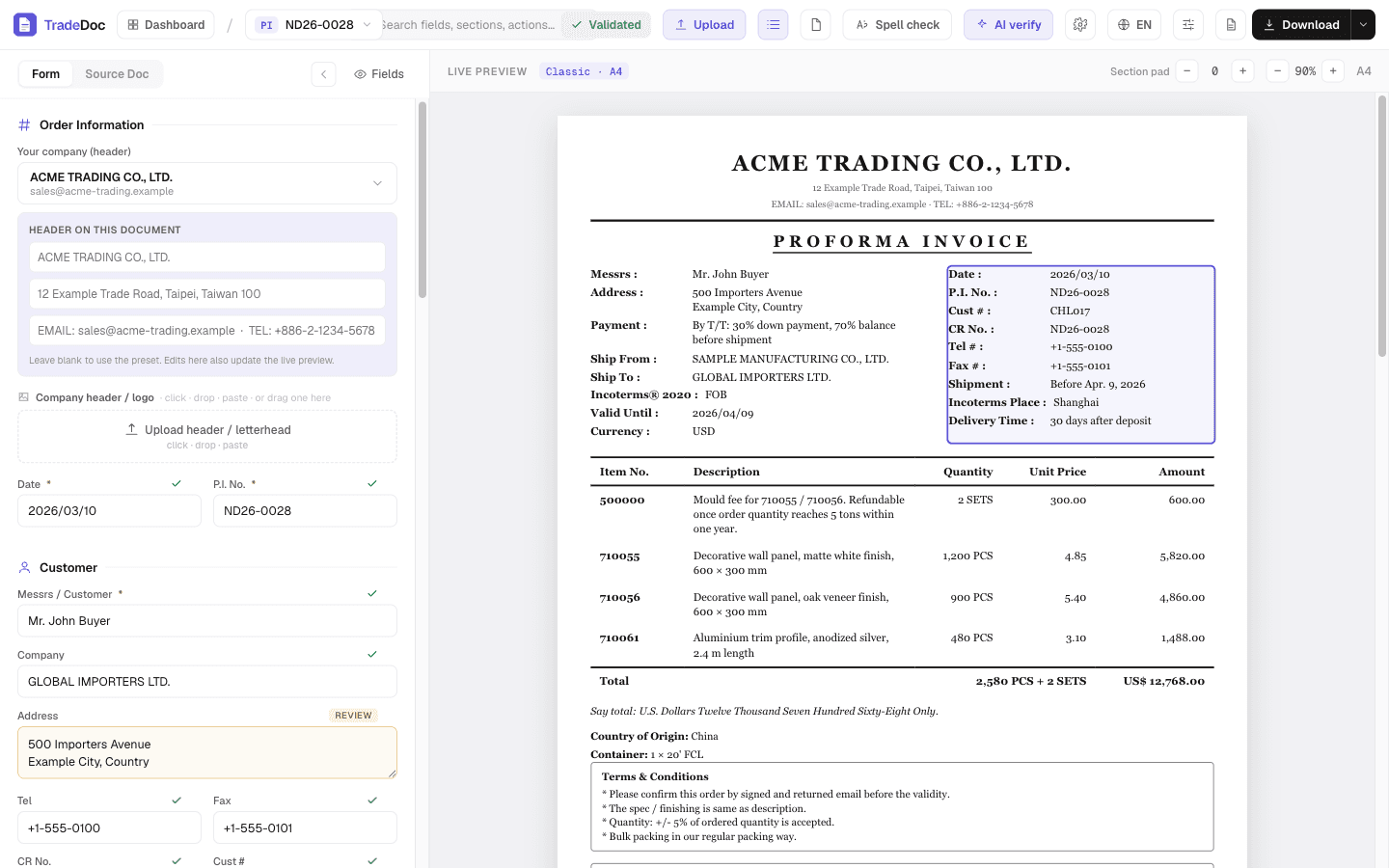
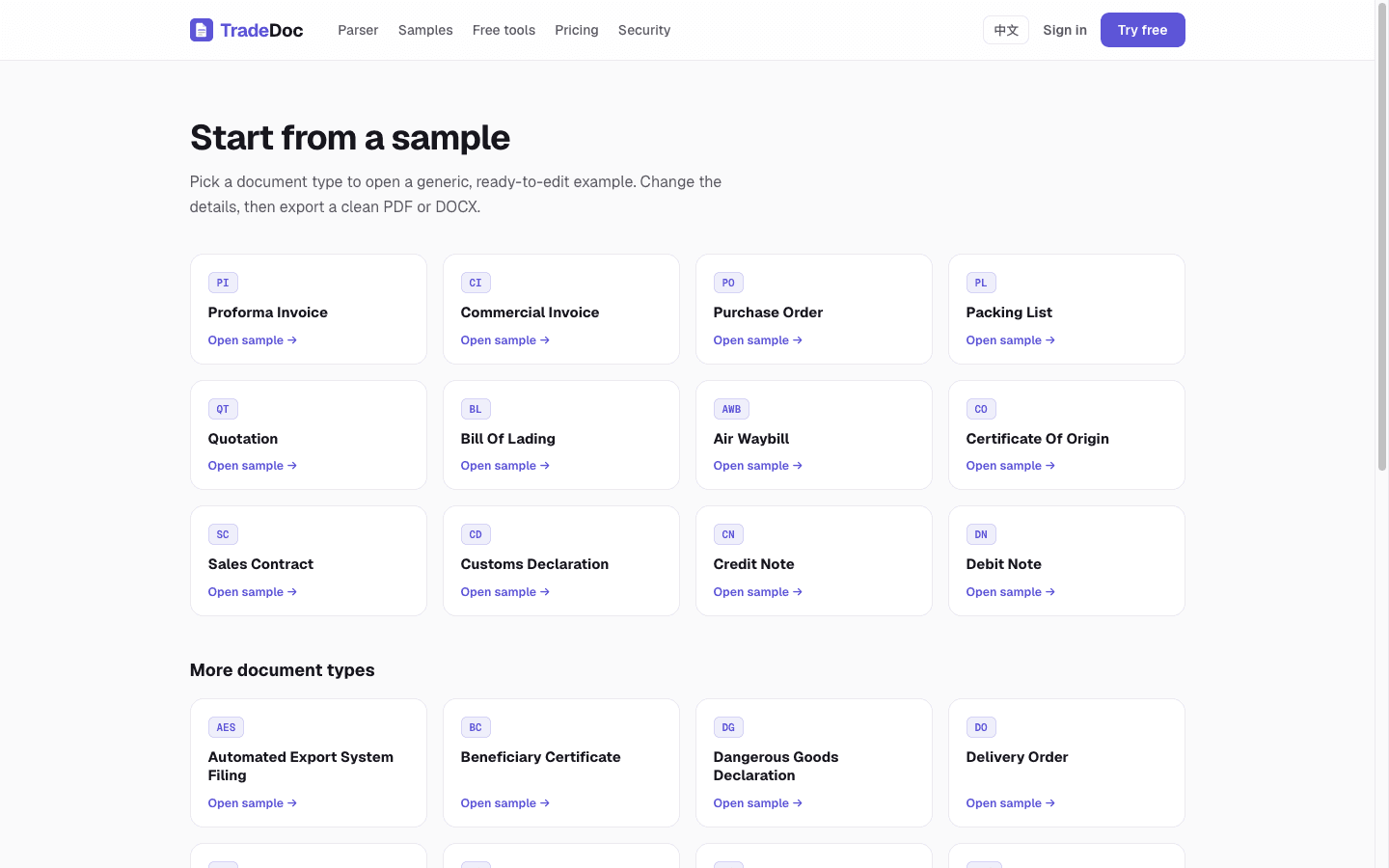
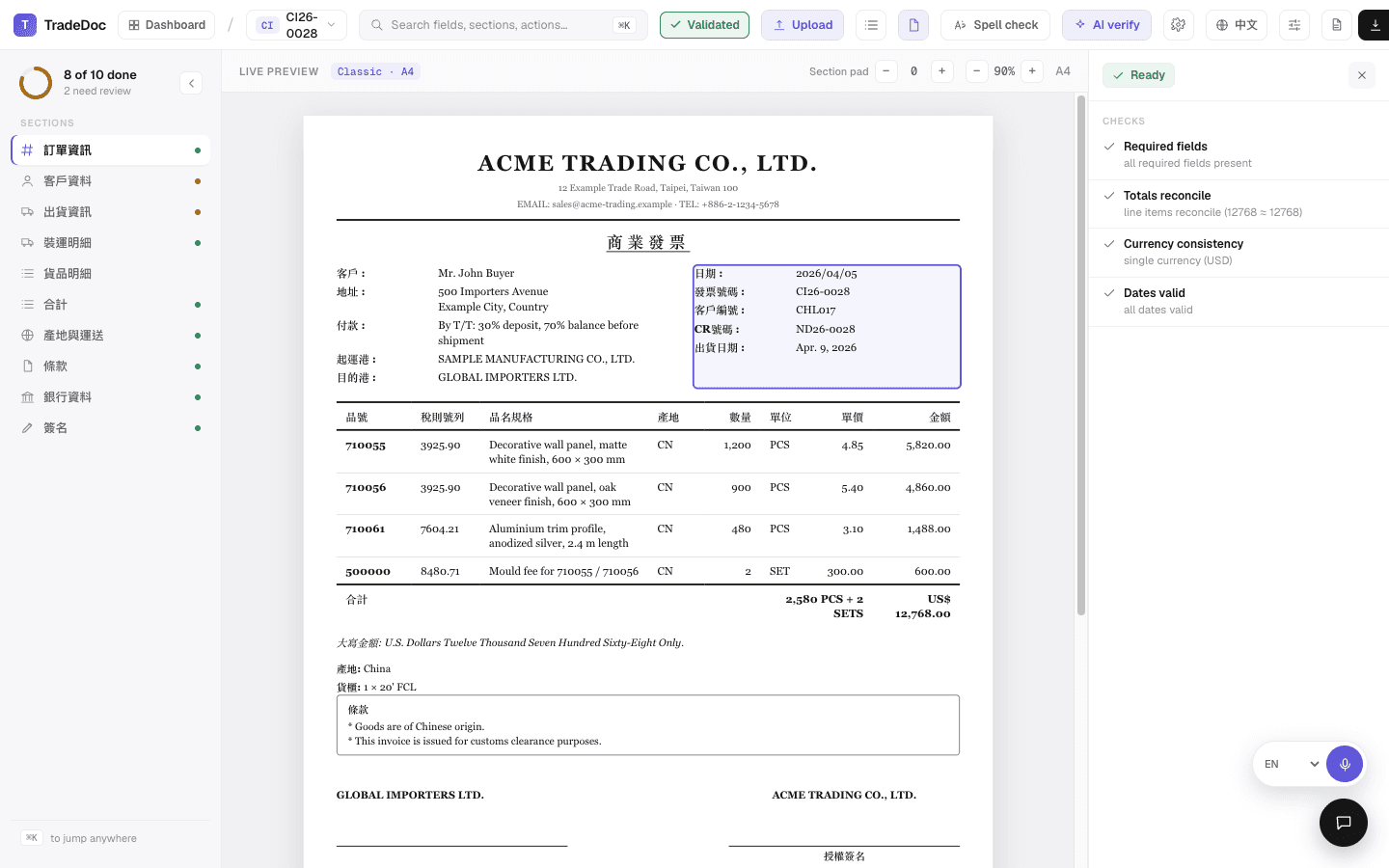
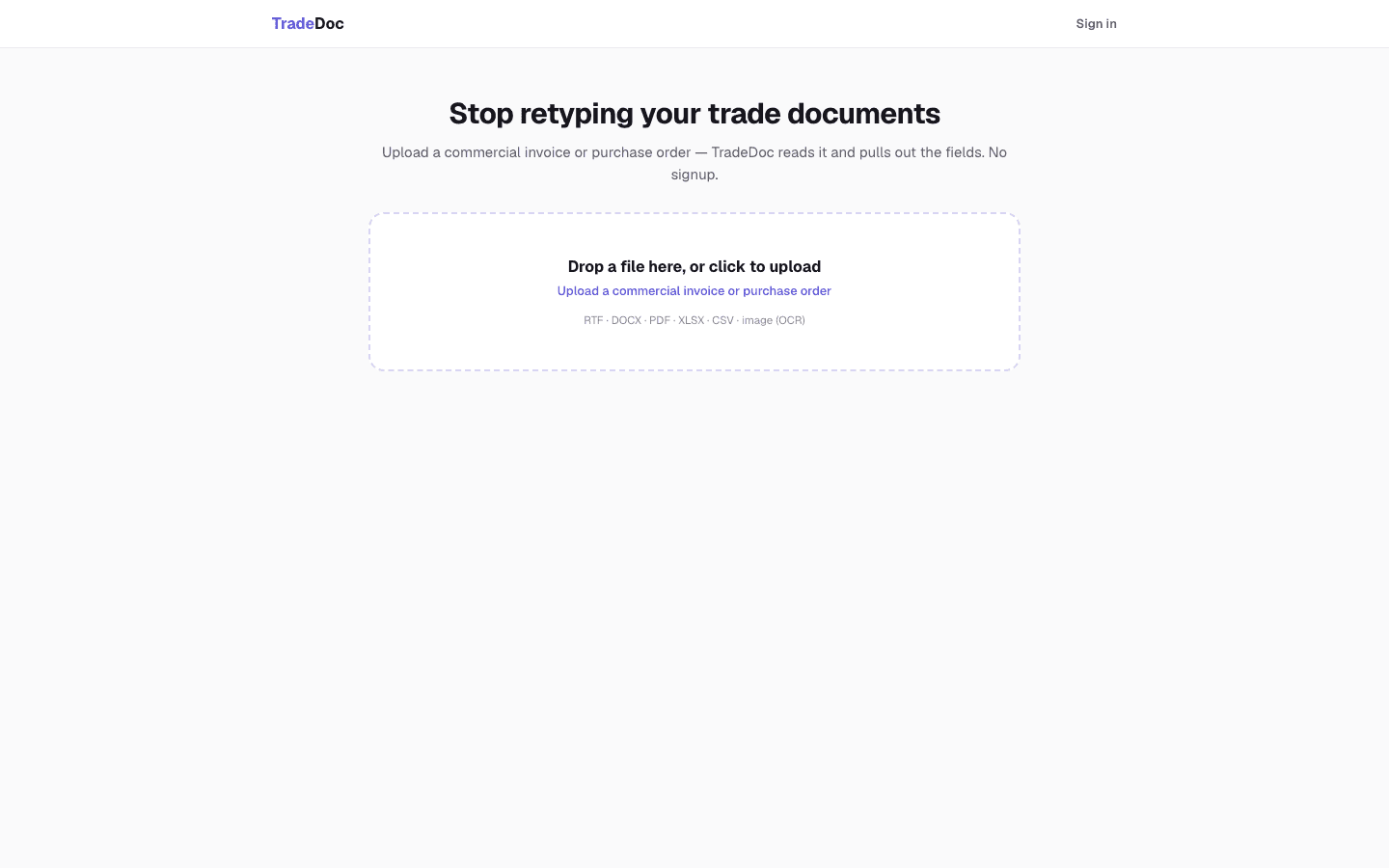
Built for the way real supplier docs arrive.
Measured, not guessed: against a frozen set of 186 real documents, TradeDoc cleanly extracts about 85% with zero guesswork — the rest are flagged for a quick human check or are image-only scans. We wrote up how to standardize trade documents properly →
Reads real-world Chinese files
Reads Traditional-Chinese supplier files that normally come out garbled in Word — so the company, line items, and totals read correctly instead of arriving empty.
Validation built in
Required fields, line items that add up to the total, one consistent currency, valid dates — every document is checked, with each issue spelled out in plain language.
One engine, no drift
Preview, PDF, and Word all render from the same layout engine, so the file you export is pixel-identical to what you saw on screen.
Accounts & version history
Sign in, save to the cloud, and keep a full record of who changed what — with version history and one-click rollback. Free English ⇄ Chinese translation in the browser.
Asked before you have to ask.
Who actually does the work?
You talk to the engineer building it — no account managers in the loop.
How do we get started?
TradeDoc is a live web app with quick onboarding — reach out and we'll set you up, with pricing quoted up front.
What happens to documents we upload?
Confidentiality is foundational. Your documents stay yours, and we never display real client data — every example on this page is fictional or sample data.
What if a document can't be processed?
It's flagged for a quick human check — never guessed. Measured against a frozen set of 186 real documents, about 85% go through cleanly.
Which document types are covered?
27 trade document types, including Proforma Invoices and Purchase Orders — with Traditional-Chinese supplier files that usually arrive garbled read correctly.
Try it on a
messy invoice.
Open TradeDoc and drop in one of your real Proforma Invoices or Purchase Orders — or send us a sample and we'll set you up within a working day.
Confidentiality. All company names, contact details, and figures on this page are entirely fictitious and shown for demonstration only. We never display real client data in marketing materials. for a private consultation.